System // Configurator
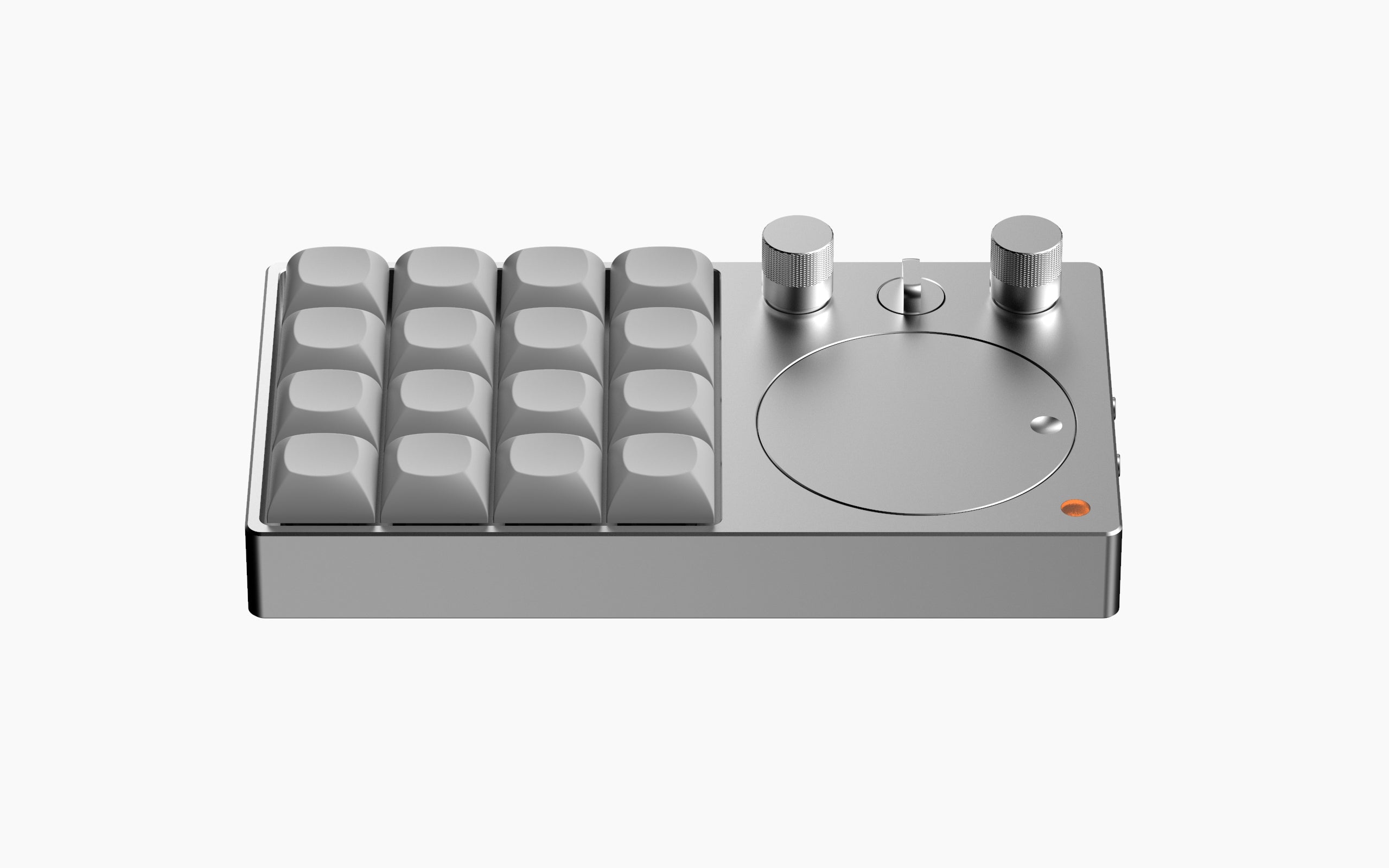
BNK16 Wireless
Bluetooth 5.0 Connectivity
bt1
bt2
bt3
▽
▽
▽
▽
▽
▽
▽
▽
▽
▽
▽
▽
▽
1. Access Layer 1
Rotate the layer knob to switch to Layer 1. The layer LED will glow Purple.
2. Initiate Pairing
Long press BT1, BT2, or BT3 (shown in visual) for 3 seconds. The LED will blink Blue to indicate pairing mode.
3. Connect & Switch
Select "BNK16" on your PC/Phone. LED turns solid Green on success.
To switch between saved devices, simply tap the BT key once.
💡 Setup & Power Pro-Tips
- Wired Connection Required: The configurator is only accessible when the device is connected via USB cable and in Wired/USB mode.
- Save Your Settings: Always click the "Save" button after modifying lighting or vibration settings to ensure your changes are applied.
- Smart Wake: To wake the device from deep sleep, simply press any key or click the knob button. (Please note: Rotating the knob does not wake the device).
Layer Navigation
Rotate the Layer Knob to instantly cycle through 4 configurable layers. The LED indicator changes color to match the active layer.
0: White
1: Purple
2: Orange
3: Green
Rotary Encoder Cheat Sheet Access all the codes →
KC_VOLU VOL +
KC_VOLD VOL -
KC_MUTE MUTE
KC_MPLY PLAY
KC_MNXT NEXT
KC_MPRV PREV
KC_BRIU BRT +
KC_BRID BRT -
KC_MS_WH_UP WHEEL ↑
KC_MS_WH_DOWN WHEEL ↓
KC_PGUP PG UP
KC_PGDN PG DN
KC_UP ARROW ↑
KC_DOWN ARROW ↓
KC_LEFT ARROW ←
KC_RIGHT ARROW →
Prefer the official VIA desktop app?
Download BNK16 Configuration (.json)